
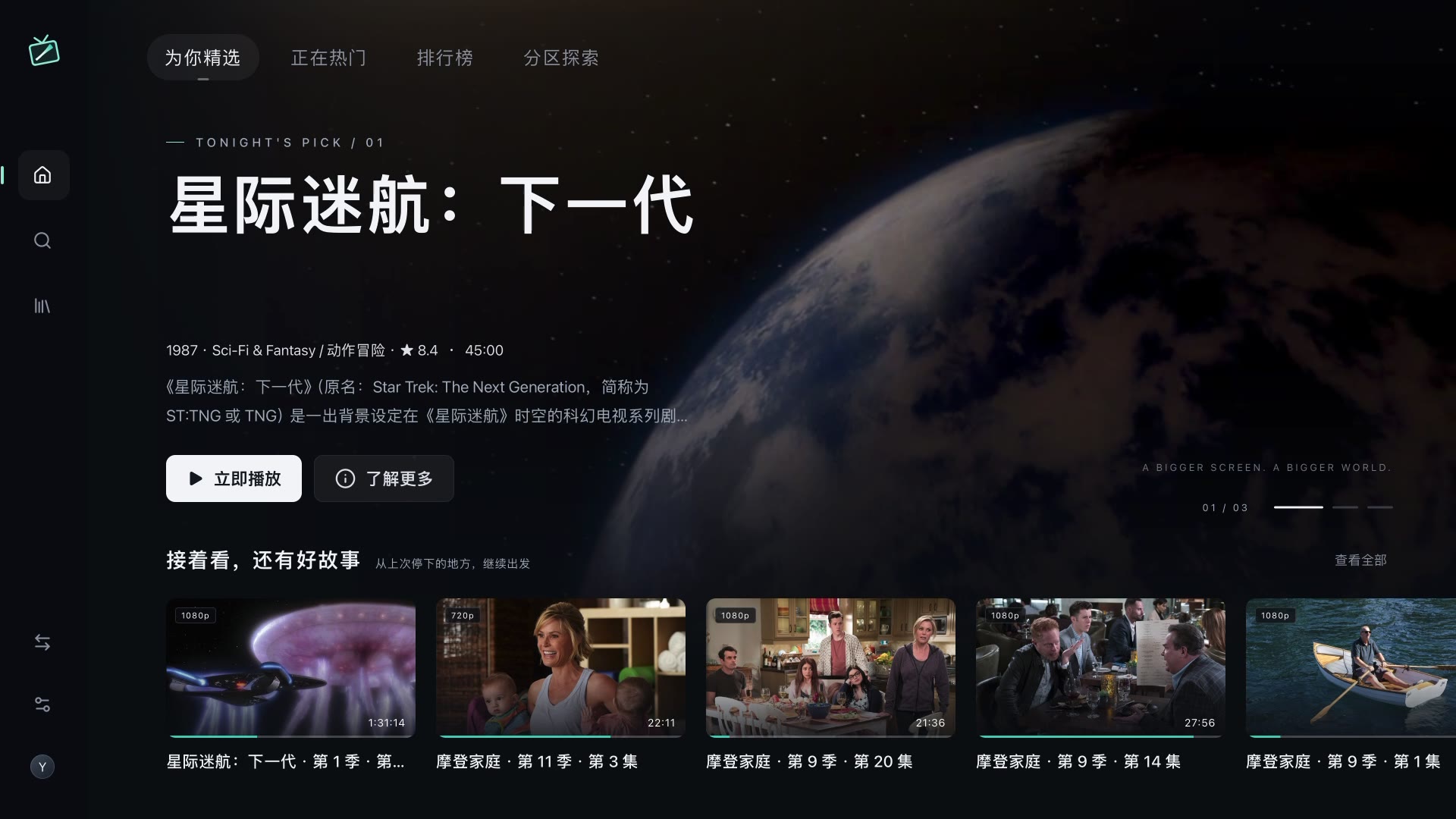
An open player
for Apple TV.
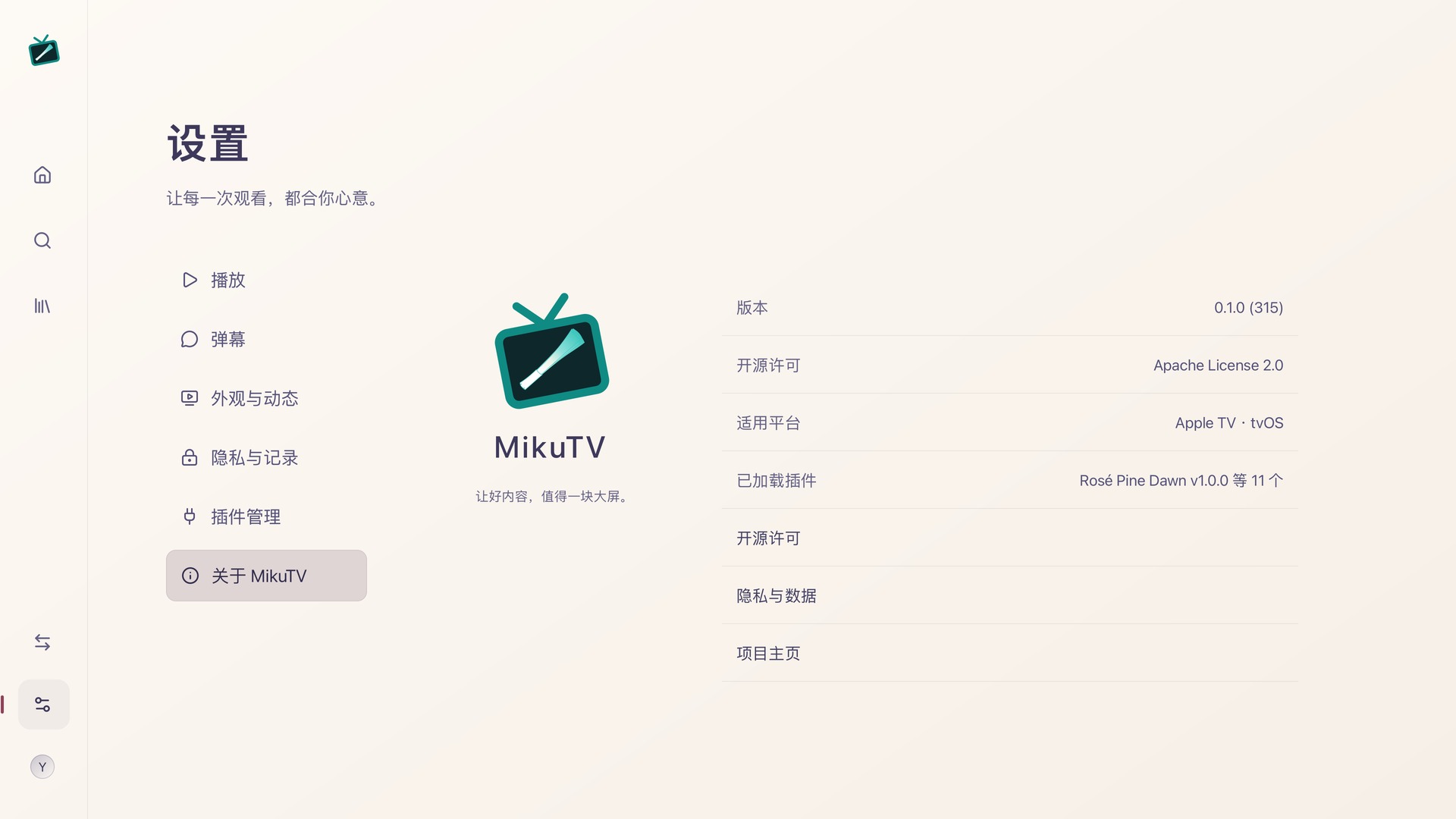
No built-in catalogue and no platform lock-in. Connect your own media servers, video sources, themes, and languages through open-source plugins in one native tvOS interface.
Your movies live on your own server; the rest of what you watch is scattered across different platforms. Instead of jumping between mismatched apps, MikuTV brings them into one interface and one remote.
MikuTV does not host or sell content. That leaves one job: making it calm, fast, and effortless on your television.
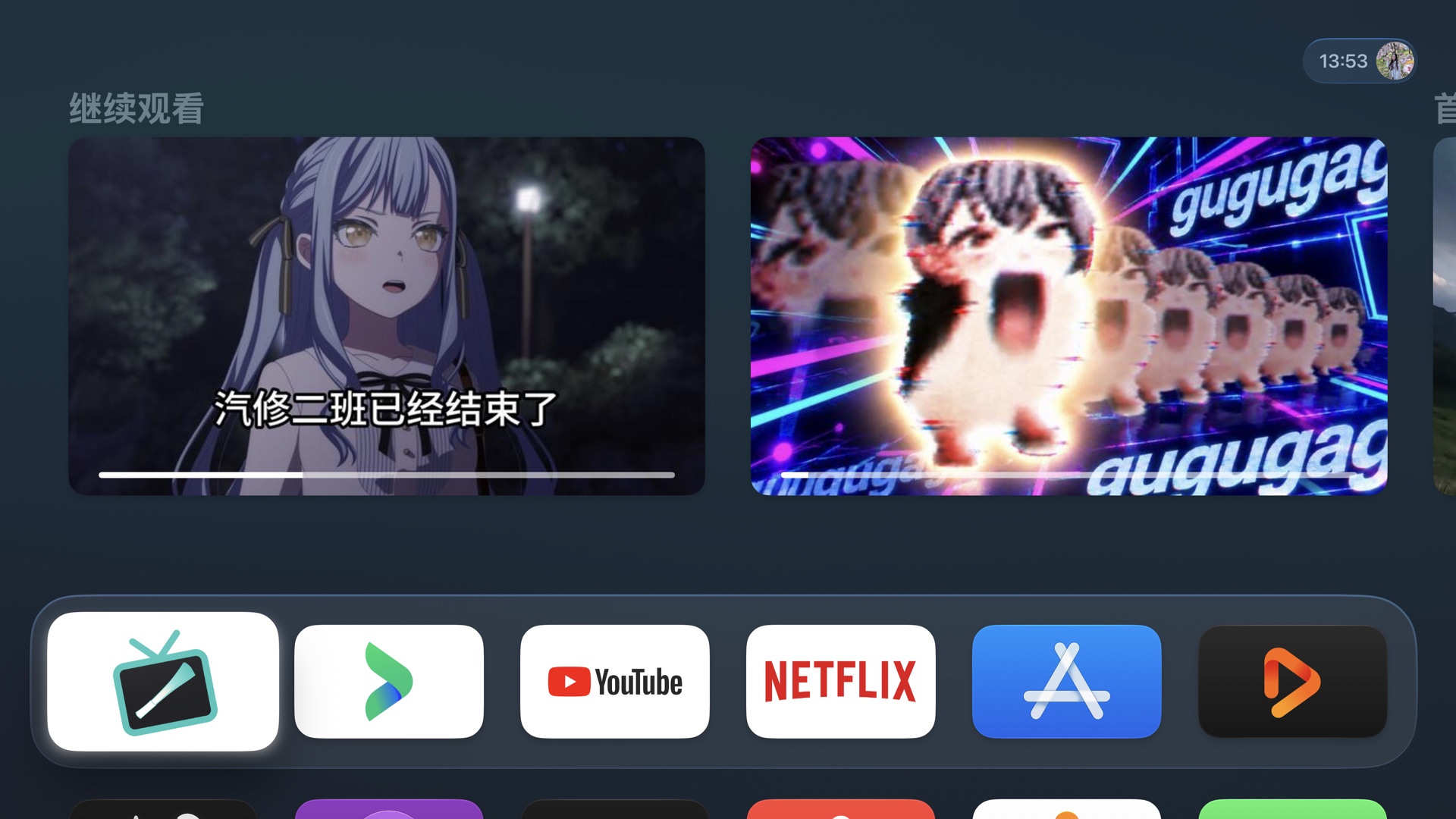
Continue watching from the Home Screen.
Place MikuTV in the top row of Apple TV. Whenever the icon is focused, tvOS Top Shelf surfaces your Continue Watching queue so you can jump straight back in.
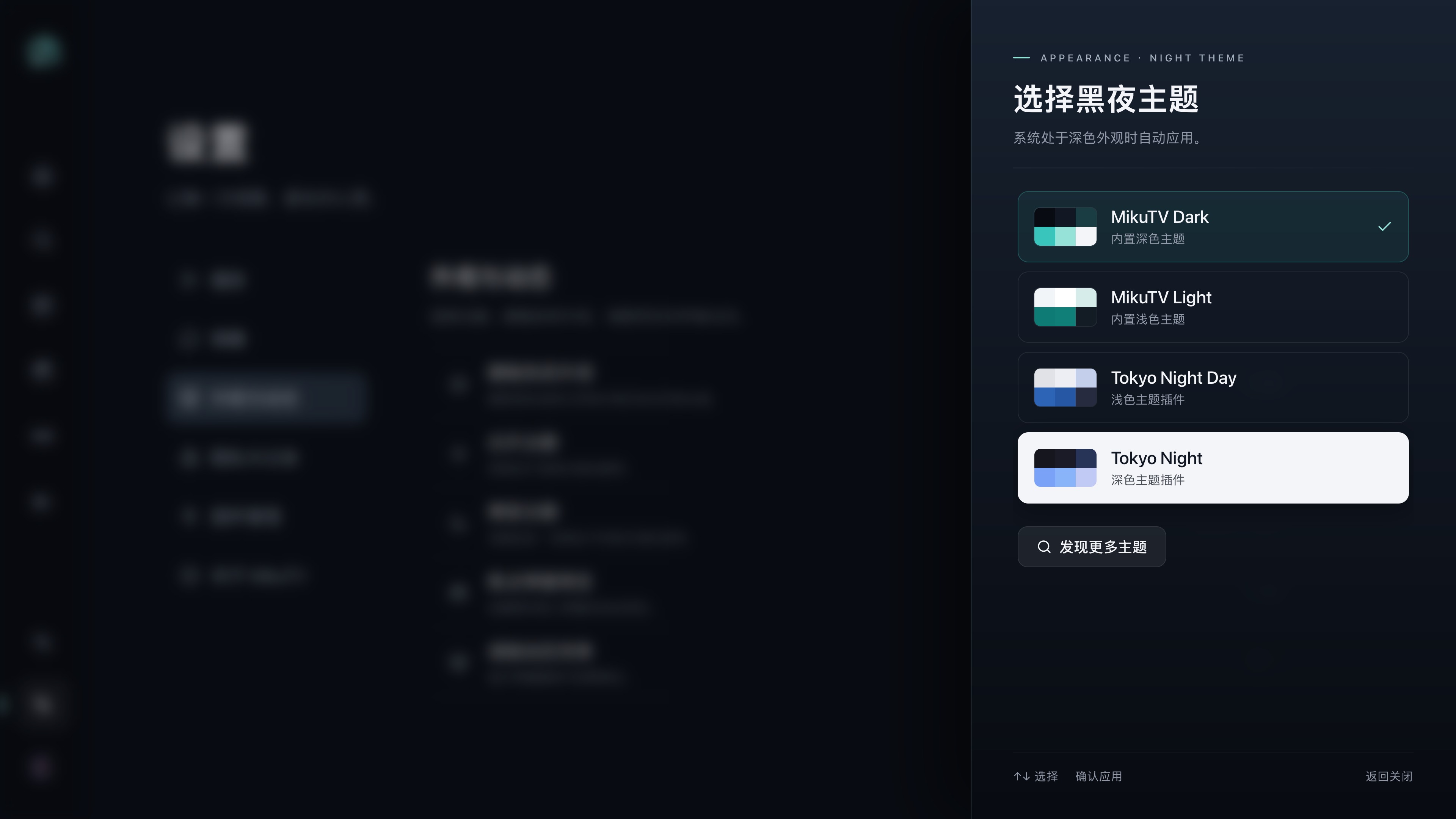
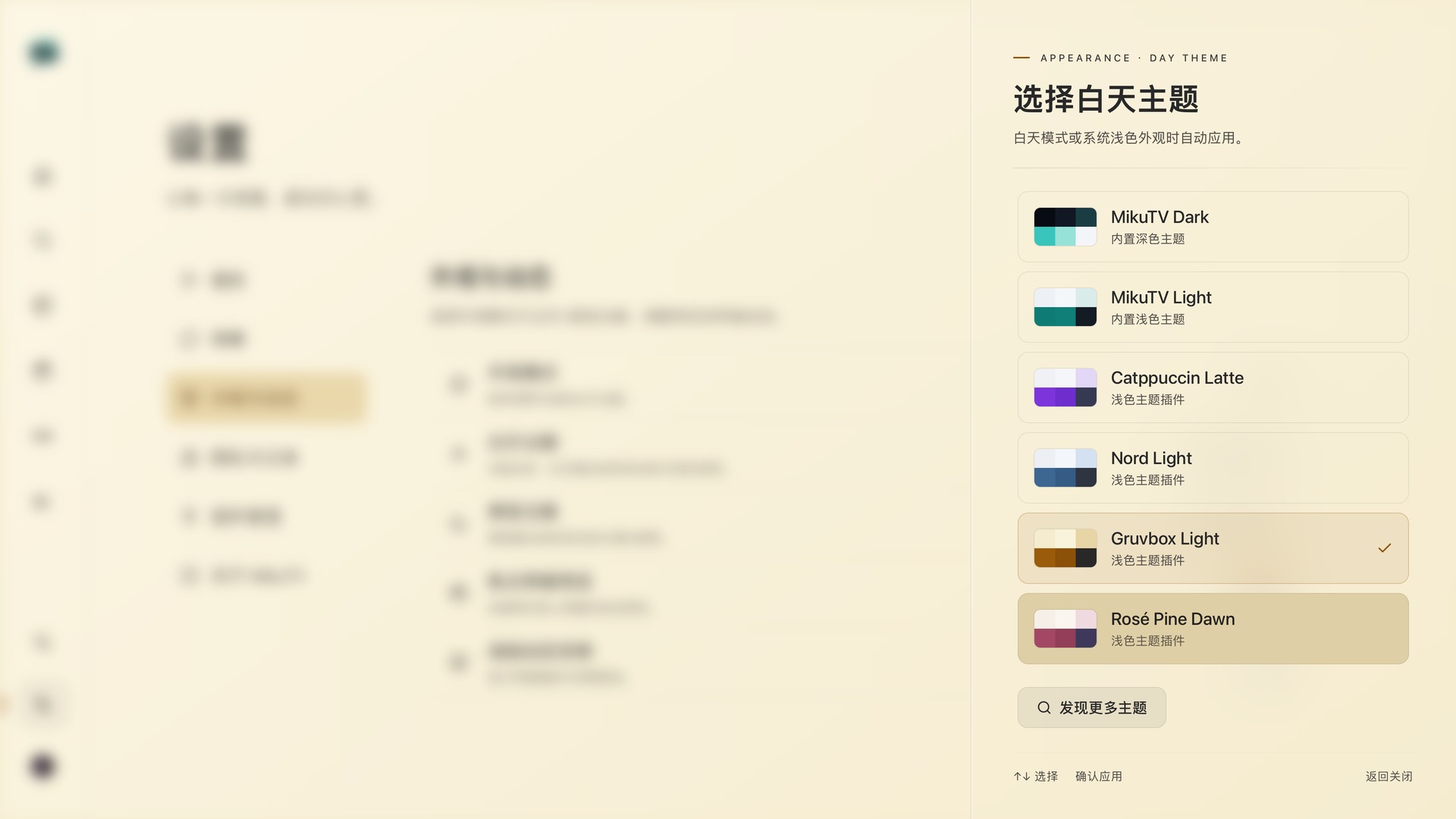
Automatic light and dark themes.
Follows tvOS system appearance with separate slots for daytime and nighttime. Ships with MikuTV Light and MikuTV Dark, plus ten paired theme plugins across Tokyo Night, Catppuccin, Nord, Gruvbox, and Rosé Pine.
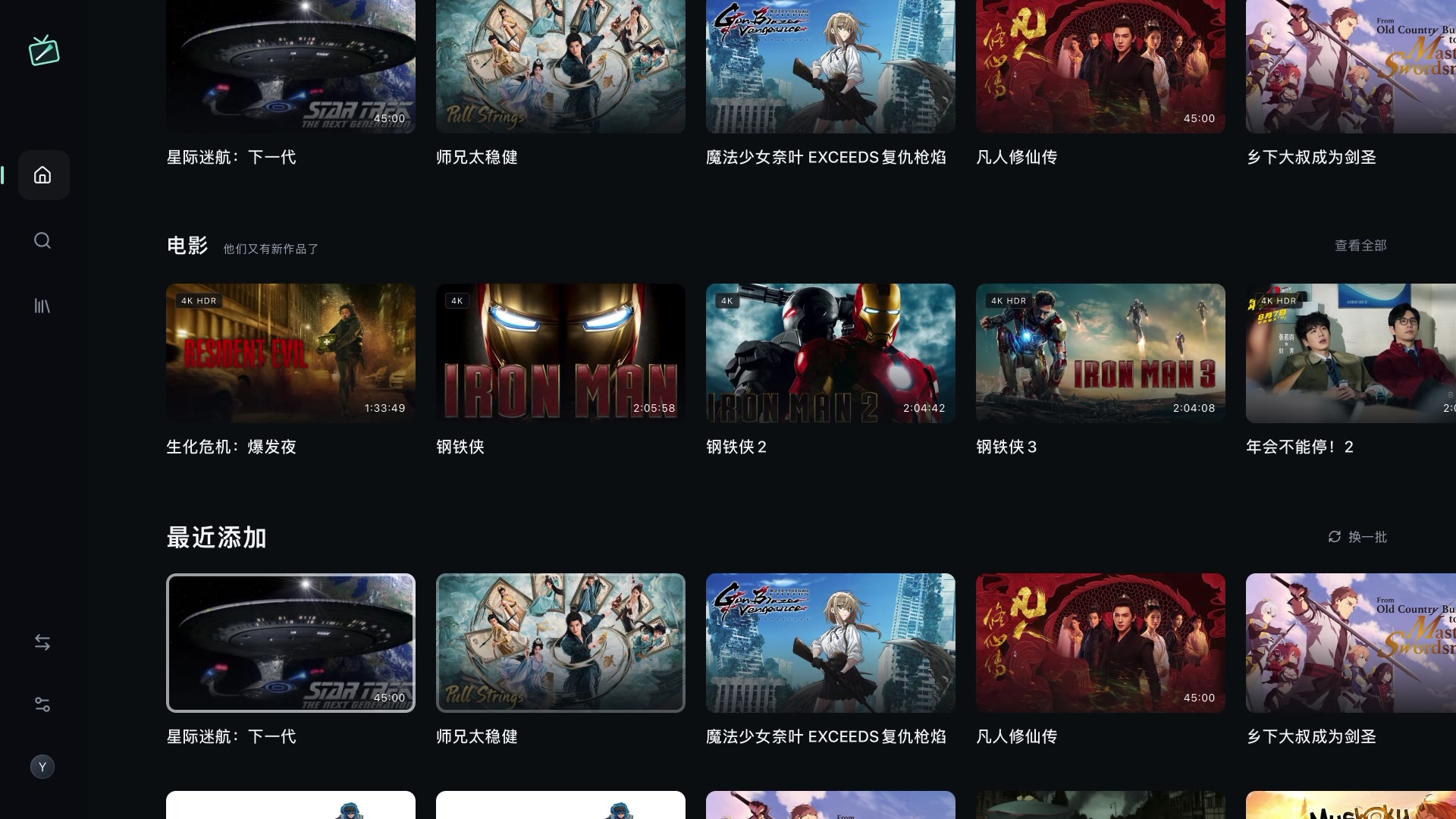
Instant hover previews and zero-click switching.
Pause on a Home poster to play an inline preview with audio—without triggering HDMI mode-switch blackouts or polluting your watch history.
Moving across the sidebar, library tabs, and settings updates the page immediately as your thumb glides over the Siri Remote.
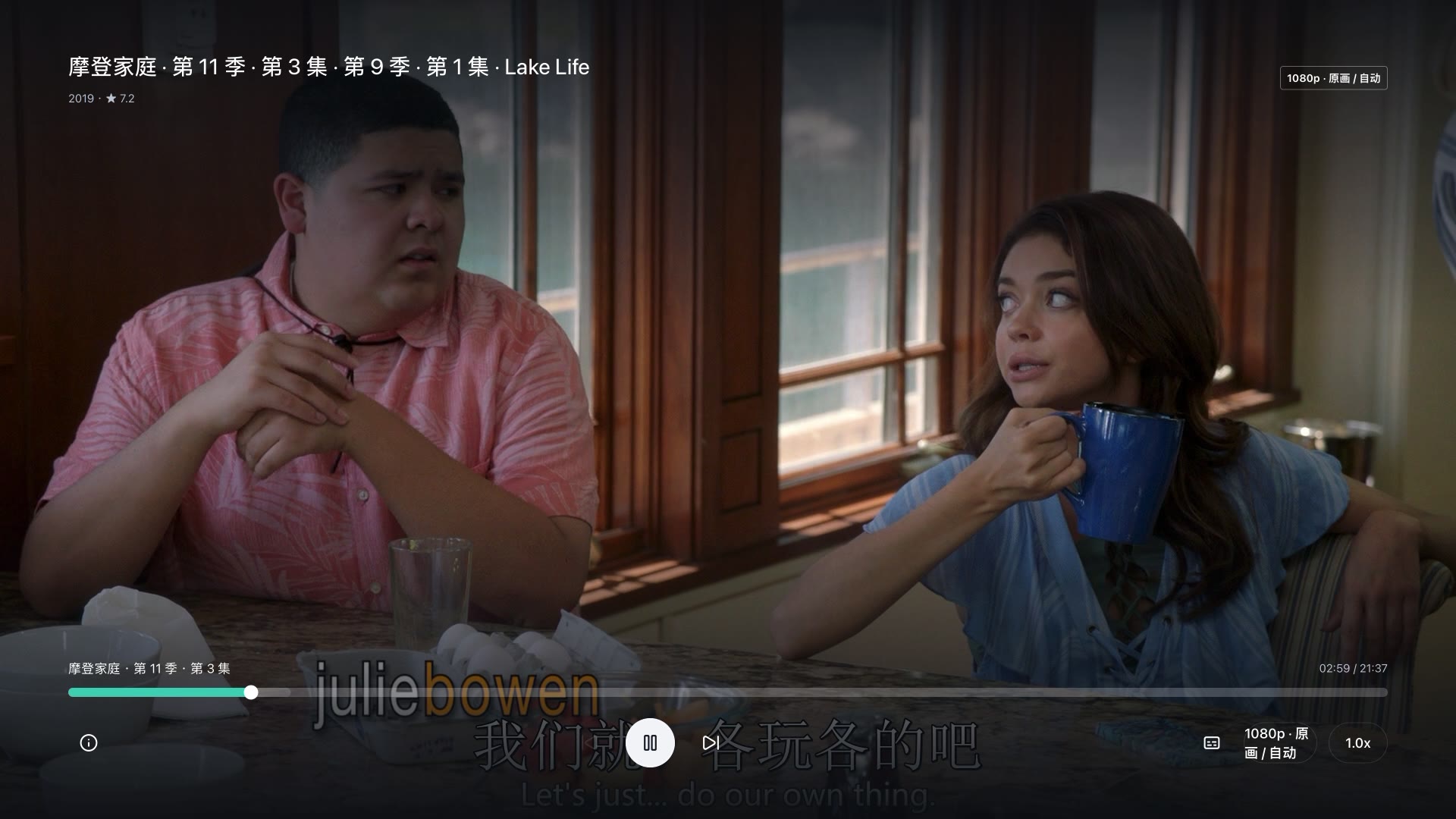
Hardware playback with full subtitle and danmaku controls.
Video decoding runs directly on Apple TV’s native AVPlayer. Switch audio and subtitle tracks on the fly, adjust playback speed, and filter live danmaku with custom rules.
Player controls slide in from a right-hand frosted drawer instead of interrupting the picture with pop-up dialogs.
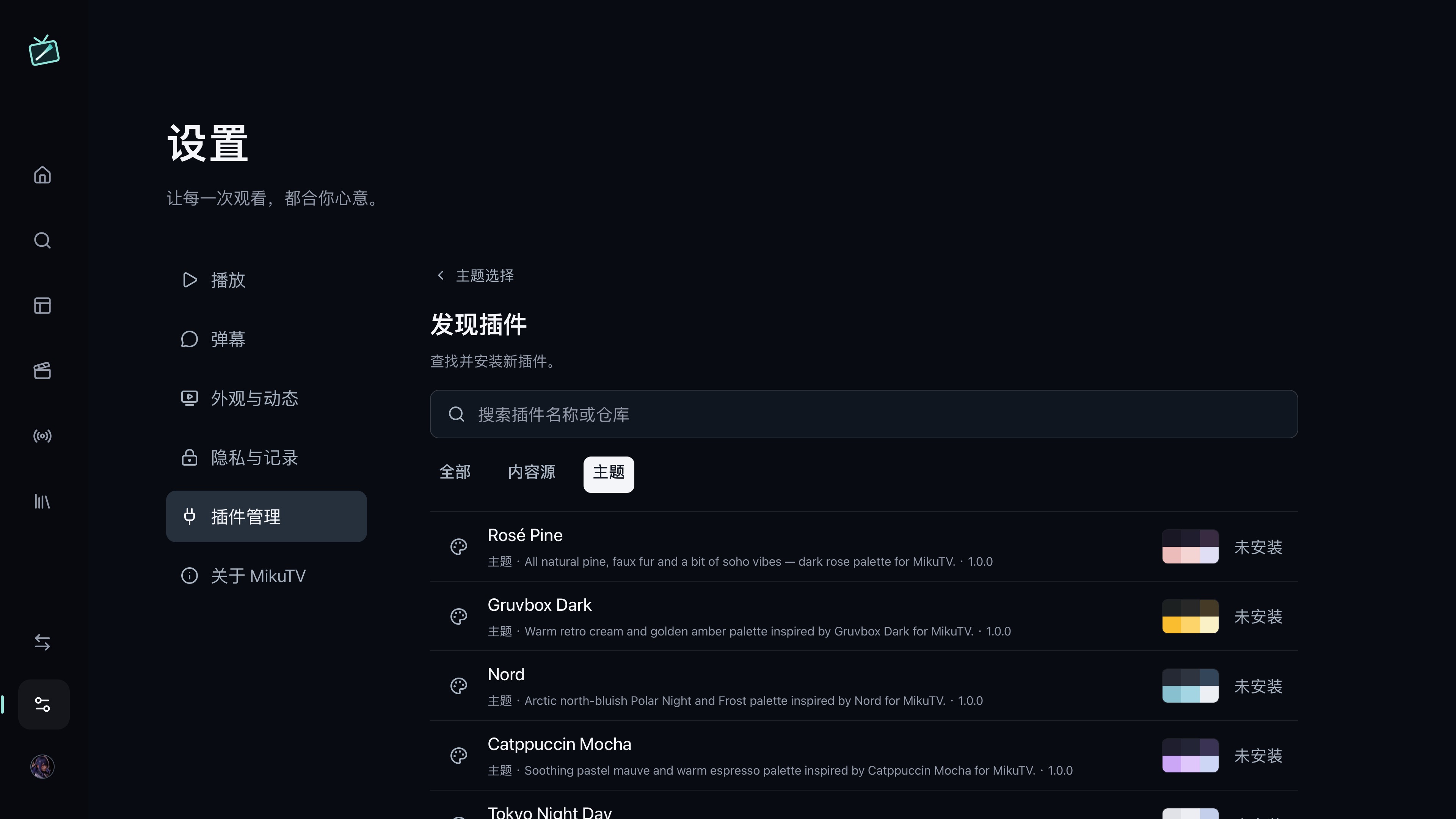
Sources, themes, and languages as open plugins.
Every plugin lives in a public GitHub repository. Browse, install, and update directly from Settings → Plugins on Apple TV—changes take effect right away.
Before installation, MikuTV lists every network domain the plugin requests and blocks undeclared hosts at runtime. Packages are verified by Release tag and SHA-256 digest, and self-hosted server plugins can only access the single URL you provide.
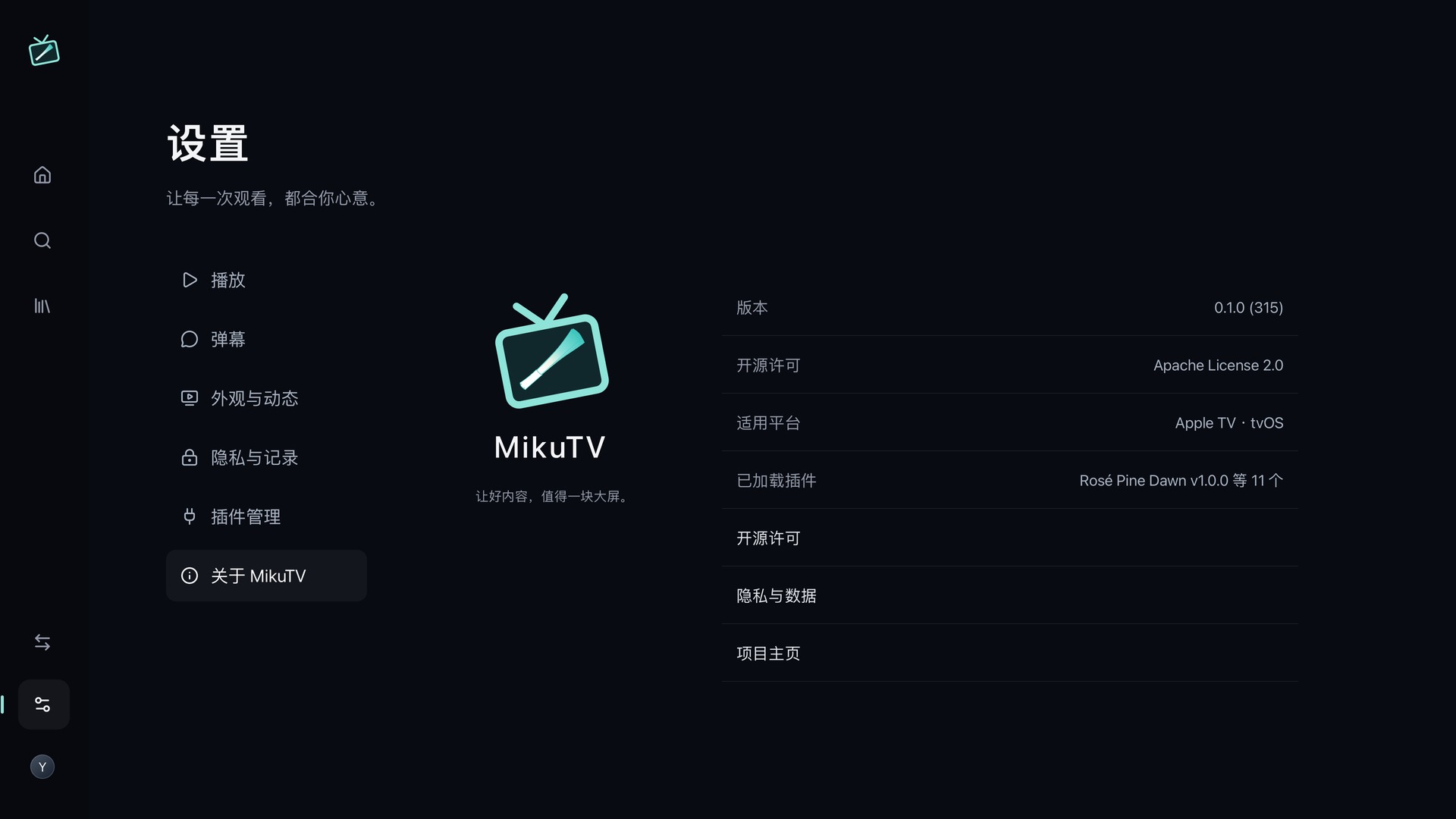
How it’s built.
Open source end to end, so you can inspect or build every layer yourself.
- Language
- Go
- UI Engine
- MyGo on Metal with CoreText text rendering
- tvOS APIs
- AVFoundation, AVKit, TVServices, and Keychain via purego
- Sandbox
- moejs, a pure-Go JavaScript runtime
- License
- Apache-2.0
Installing on Apple TV.
GitHub Releases provide an unsigned MikuTV-tvOS.ipa alongside SHA256SUMS.txt. Sideload it using ATVLoadly, Sideloadly, or your own Apple developer certificate—or build it directly from source.
Code signing and renewal are handled by your sideloading tool, not by MikuTV.
Requires Apple TV · tvOS 18 or later · arm64
One interface. One remote.